


Deepsearch AI Search Assistant
xStudios
I approached Deepsearch AI Search Assistant as a Lifestyle app for people who want to look beyond ordinary web searches when learning about public information and making sense of online identities. Its central idea is straightforward: use AI to help search and connect publicly available details instead of asking the user to sort through scattered results manually. That can be useful, but it also creates a more serious question than whether the interface feels convenient: how carefully should I use a tool that deals with information about real people?
After spending time with it, my view is cautiously positive. The app can make exploratory research feel less intimidating, especially when I have a name, an online profile, or a vague question and need a clearer starting point. At the same time, I would not treat an AI-generated result as a final identity check, a background report, or proof that two records belong to the same individual. The best way to use Deepsearch AI is as a research assistant, not as an authority.
How Deepsearch AI fits into everyday searching
Deepsearch AI comes from xStudios and is available as a free app, with optional purchases ranging from $6.99 to $39.99 per item. It sits in the Lifestyle category rather than presenting itself as a conventional browser or a specialist professional database. That distinction matters because the app feels aimed at curiosity, discovery, and personal research rather than formal verification.
The store short description is simply “Deepsearch AI,” while the longer positioning focuses on searching and discovering public data with artificial intelligence for deeper connections. In practice, I found that the appeal is not just entering a question and receiving a sentence. The more useful workflow is to begin broadly, inspect what the app surfaces, then narrow the question and compare the result with the original context.
That approach is more reliable than treating the first response as complete. AI tools are good at organizing a messy search into readable language, but they can also make uncertain connections sound smoother than they really are. If a result combines several public references, I want to know which part is directly supported and which part is an interpretation. Deepsearch AI is most helpful when I keep that distinction in mind.
Latest News

Uber Eats Under Pressure: What Happens When Delivery Goes Wrong

How QR & Barcode Scanner Adapts to Android and iOS Innovations

Why Waze Navigation & Live Traffic Is Your Essential Travel Companion

CapCut Mastery: Unleash Hidden Features for Pro-Level Editing

How OS Updates Enhance Roblox Adventures

Teacher Simulator: Exam Time Turns Quick Classroom Judgments into a Repetitive Loop
The app has reached more than five million installs, with a 3.7 average from around 223,000 ratings and roughly 4,100 written reviews. Those figures suggest broad interest but also a mixed experience across a large audience. I would read that combination as a reason to test the app personally before paying for extended use, not as a guarantee that every search will produce the same depth or clarity.
What I would use it for
A realistic everyday example would be preparing to meet someone from an online community for the first time. I might search the public name or username they use, not to build an intrusive dossier, but to check whether the public profile I found is consistent with the person I have been speaking to. Deepsearch AI could help organize public references and point me toward questions worth checking manually. It should not replace a normal safety plan, a direct conversation, or sensible boundaries.
Another useful situation is reconnecting with an old contact. Instead of searching several platforms separately, I could start with the details I already know, examine possible matches, and then refine the search using a location, profession, or public interest. The important step is to use only information that is already public and relevant to the purpose. Adding more personal details simply because the app accepts them would be a poor trade-off.
Gallery
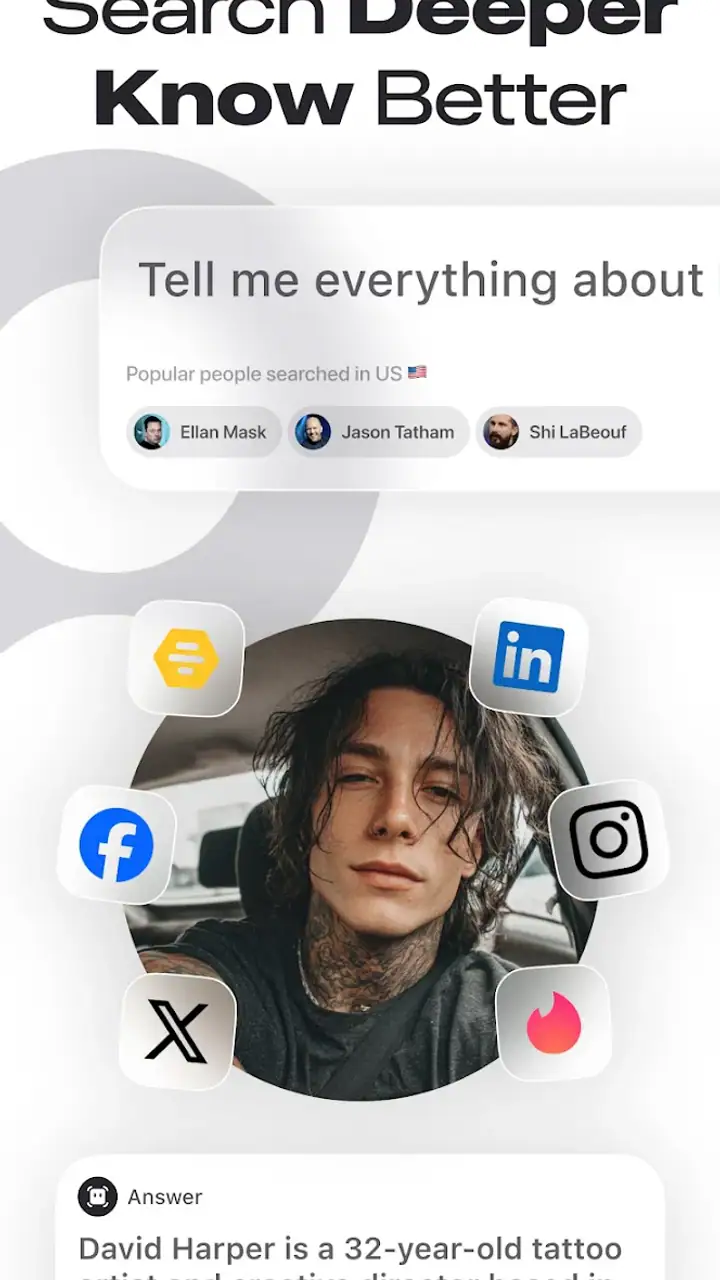
I also see value for light background research before a conversation, event, or collaboration. The AI layer may help me turn a collection of public pages into a more understandable overview. Compared with a standard search engine, the advantage is convenience: I do not have to invent every search phrase or manually summarize each result. Compared with a dedicated professional research service, however, I would expect less certainty and less suitability for decisions with legal, financial, employment, or personal-safety consequences.
Trust starts with the information I choose to enter
Because the app concerns public data about people, my first trust rule is simple: I would begin with the smallest amount of information needed. A name, public username, or openly shared professional detail may be enough to begin. I would avoid entering private messages, sensitive identifiers, home addresses, financial details, health information, or anything copied from a confidential source.
This is not just a privacy preference; it improves the quality of the search. Too many details can encourage a false match, particularly when several people share a name. Starting with one or two public clues lets me see whether the app finds a coherent trail before I add anything else. If the results are vague, I would rather stop than keep feeding the search more personal information in the hope of forcing a match.
A second practical habit is to separate discovery from confirmation. In the discovery stage, I am looking for possible public references. In the confirmation stage, I open the original context where possible and ask whether the details genuinely refer to the same person. This two-step workflow is one of the most important ways to reduce the risk of accepting an attractive but incorrect connection.
I would also record the reason for a search before starting it. That sounds overly cautious, but it helps keep the use proportional. “I want to verify that this is the public professional profile I was given” is a reasonable purpose. “I want to find everything available about this stranger” is much harder to justify and more likely to lead to unnecessary collection or misinterpretation.
Visible choices matter more than impressive answers
When I evaluate an app like this, I pay attention to the choices presented during use: what information I am asked to provide, whether I can stop before submitting a search, whether account-related options are understandable, and whether paid actions are clear before I commit. These controls matter more to me than a polished answer because they determine how much agency I retain.
Deepsearch AI is free to install, but the presence of in-app purchases means I would be careful around any prompt that suggests unlocking more searches, deeper results, or additional capability. I would check the purchase screen closely rather than tapping through quickly. A free starting point is useful for judging whether the app fits my needs, but it should not be confused with unlimited access.
I also prefer to make searches in stages rather than repeatedly submitting slightly different versions of the same question. This reduces accidental overuse and makes it easier to compare what changed between results. If the app presents a summary, I would save only the public details that are genuinely relevant to my purpose, rather than copying an entire result into another service or personal file.
Account controls deserve the same attention. Before regular use, I would look through the app’s visible settings for options related to sign-in, saved activity, notifications, and deleting or managing information. I would not assume that an account is necessary for every function, nor would I assume that uninstalling an app automatically handles every account or search-history choice. The safest approach is to use the controls the app actually presents and make deliberate decisions instead of relying on assumptions.
Where the AI can help, and where it can mislead
The strongest feature in this kind of app is synthesis. Public information is often fragmented: one page uses a full name, another uses a nickname, and a third mentions a workplace or interest without enough context. An AI assistant can help me see possible relationships faster than a sequence of ordinary searches.
The weakness is the same feature viewed from another angle. A readable explanation can hide uncertainty. If two public profiles share a name and a city, the app may present them as a promising connection even though the evidence is not enough to establish identity. I would look for independent clues that agree with one another, and I would treat missing context as a reason to pause rather than an invitation to speculate.
One non-obvious limitation is that public does not automatically mean accurate, current, or fair to reuse. A public page may be outdated, copied from somewhere else, satirical, incomplete, or attached to the wrong person. Deepsearch AI can help me locate and organize such material, but it cannot make the original source trustworthy merely by summarizing it.
A second limitation is that the app may be less useful when the search subject has a common name or a very small public footprint. In those cases, a conventional search engine can sometimes be better because I can inspect the exact wording, date, and surrounding context of each result myself. Deepsearch AI is more convenient when I need help forming connections; a regular browser is often better when precision depends on reading the source line by line.
A third trade-off concerns speed versus control. An AI-assisted search may give me a helpful direction quickly, but manual research makes the reasoning visible. If I am checking something consequential, I would choose the slower method or use Deepsearch AI only for the first pass. The app earns my trust when it helps me investigate, not when I let it make the decision for me.
Who should consider using it
I think Deepsearch AI is a reasonable fit for curious users who regularly research public profiles, reconnect with people, explore online identities, or need help turning scattered public references into a starting point. It may also suit someone who finds ordinary search engines too open-ended and wants an AI layer to suggest a more focused path.
It is less suitable for anyone expecting guaranteed identity resolution, official records, or professional-grade due diligence. I would not use it as the sole basis for hiring, lending money, deciding whether someone is safe, investigating a family dispute, or making a legal claim. Those situations require stronger verification, direct evidence, and often specialist processes.
I would also advise skipping it if the main goal is to collect private details about people who have not chosen to share them publicly. The app’s public-data focus does not turn every possible search into an appropriate one. Good judgment still belongs to the user, and the ability to search is not the same as permission to pursue every available clue.
What the current release tells me about choosing it
The current version is 1.2.4, and the app supports Android 7.0 and later. That makes it accessible to many Android users, including people who are not running the newest phone software. I would still keep the operating system updated where possible, especially when using an app that involves accounts, searches, or personal decisions.
The Teen content rating is another useful signal about the intended audience. I would explain the app’s purpose and privacy boundaries to a younger user rather than handing it over without guidance. Searching for public information can appear harmless, but the emotional and reputational consequences of misidentifying someone are real. Teen users should understand that public results still need context and respectful handling.
The developer is xStudios, and the app’s size of its audience means it is not an obscure experiment with no user interest. Still, popularity does not answer the questions I care about most: what information I am expected to enter, what choices I have around an account, how paid access is presented, and how carefully I can manage my own use. I would inspect those points in the app before making it part of a routine.
My cautious recommendation
Deepsearch AI Search Assistant is interesting because it addresses a real problem: public information is easy to find in fragments but difficult to understand as a whole. The AI approach can save time, suggest better search directions, and make exploratory research more approachable. In my experience, its value comes from helping me ask better questions and organize possibilities, not from delivering unquestionable conclusions.
I would recommend trying the free experience with a low-risk, clearly defined search. Use minimal public information, review the original context behind any promising result, and pay attention to every account or purchase choice before continuing. If the app helps you reach relevant sources without encouraging you to over-collect personal details, it can be a useful addition to ordinary web searching.
My final judgment is therefore measured: Deepsearch AI is worth exploring when convenience supports careful research, but it is not a substitute for verification, consent, or human judgment. For casual discovery and public-profile research, I can see why millions of people have installed it. For high-stakes decisions or searches involving sensitive personal information, I would choose a more controlled method and keep this app in a supporting role.
FAQs for Deepsearch AI Search Assistant
What is Deepsearch AI Search Assistant and how does it work?
Deepsearch AI Search Assistant is an advanced application designed to enhance your search experience by using artificial intelligence. It analyzes your queries to deliver more accurate and relevant results. With its intuitive interface, the app learns from your search habits, providing personalized suggestions and improving efficiency in finding information.
Is Deepsearch AI Search Assistant available for both Android and iOS?
Yes, Deepsearch AI Search Assistant is available for both Android and iOS platforms. Users can download it from the Google Play Store or the Apple App Store. The app is designed to provide a seamless experience across different devices, ensuring that you have access to its features regardless of your preferred operating system.
Does Deepsearch AI Search Assistant require an internet connection to function?
Yes, Deepsearch AI Search Assistant requires an internet connection to access its full range of features. The app relies on real-time data processing and cloud-based AI algorithms to deliver accurate search results. While some basic functions might work offline, an internet connection ensures optimal performance and access to the latest updates.
Is my data secure when using Deepsearch AI Search Assistant?
Deepsearch AI Search Assistant prioritizes user privacy and data security. The app uses advanced encryption protocols to protect your information. Additionally, it adheres to strict privacy policies, ensuring that your data is not shared with third parties without your consent. Users can also manage their privacy settings within the app.
Are there any in-app purchases or subscriptions in Deepsearch AI Search Assistant?
Deepsearch AI Search Assistant offers a free version with essential features. However, there are in-app purchases and subscription options available for users who wish to access premium features. These may include advanced search capabilities, ad-free experience, and additional customization options. Details of these offerings can be found within the app's settings.
Pros
- Fast and accurate search results.
- User-friendly interface design.
- Supports voice search feature.
- Customizable search filters.
- Integrates well with other apps.
Cons
- Requires a stable internet connection.
- Limited offline functionality.
- Occasional ad interruptions.
- High battery usage on older devices.
- Subscription needed for premium features.


